
SilverStream Invoicing Screenshots
Professional invoicing for your
WordPress website
SilverStream Invoicing generates professional invoices and quotes, manages clients, automates recurring billing and includes a full CRM pipeline — all inside your WordPress dashboard.
Everything you need to get started
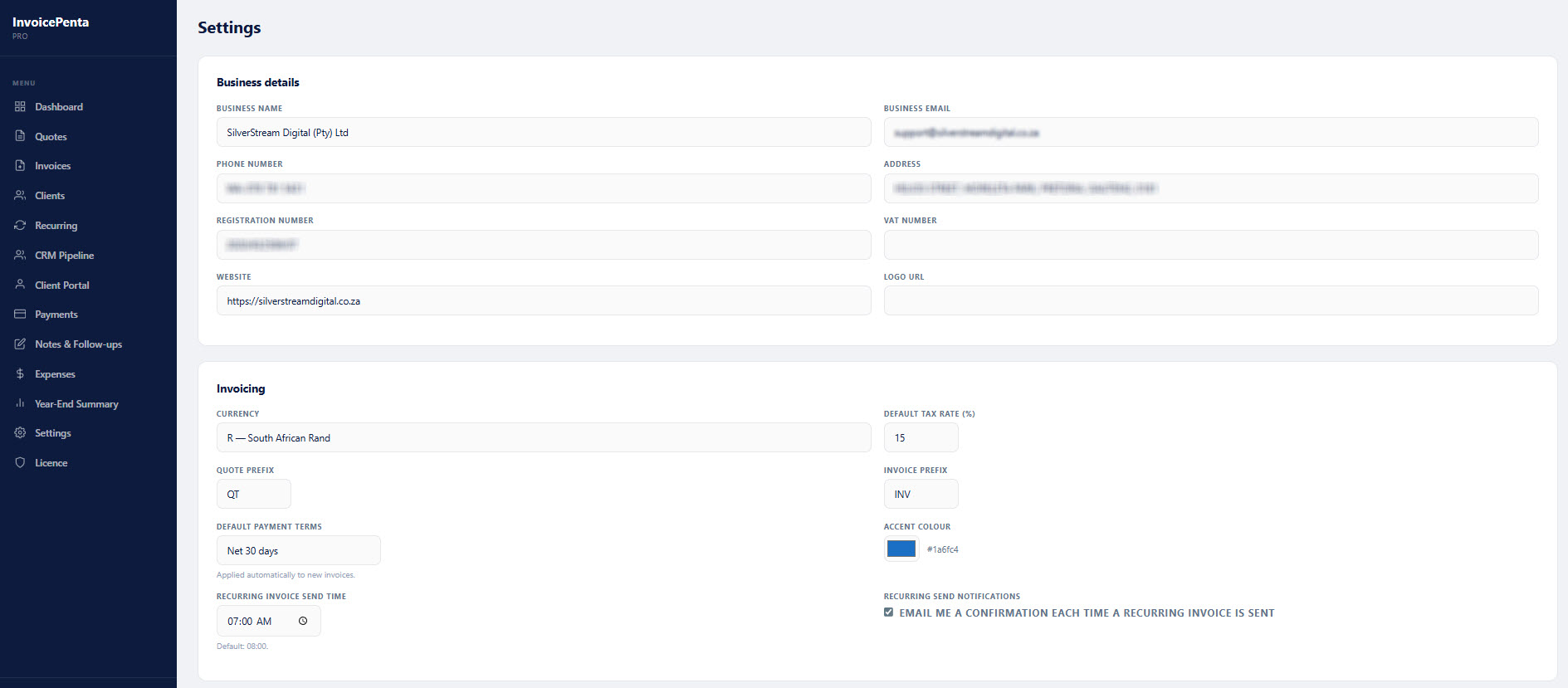
Install, enter your business details and start creating professional invoices and quotes immediately. No coding required.
Invoices & Quotes
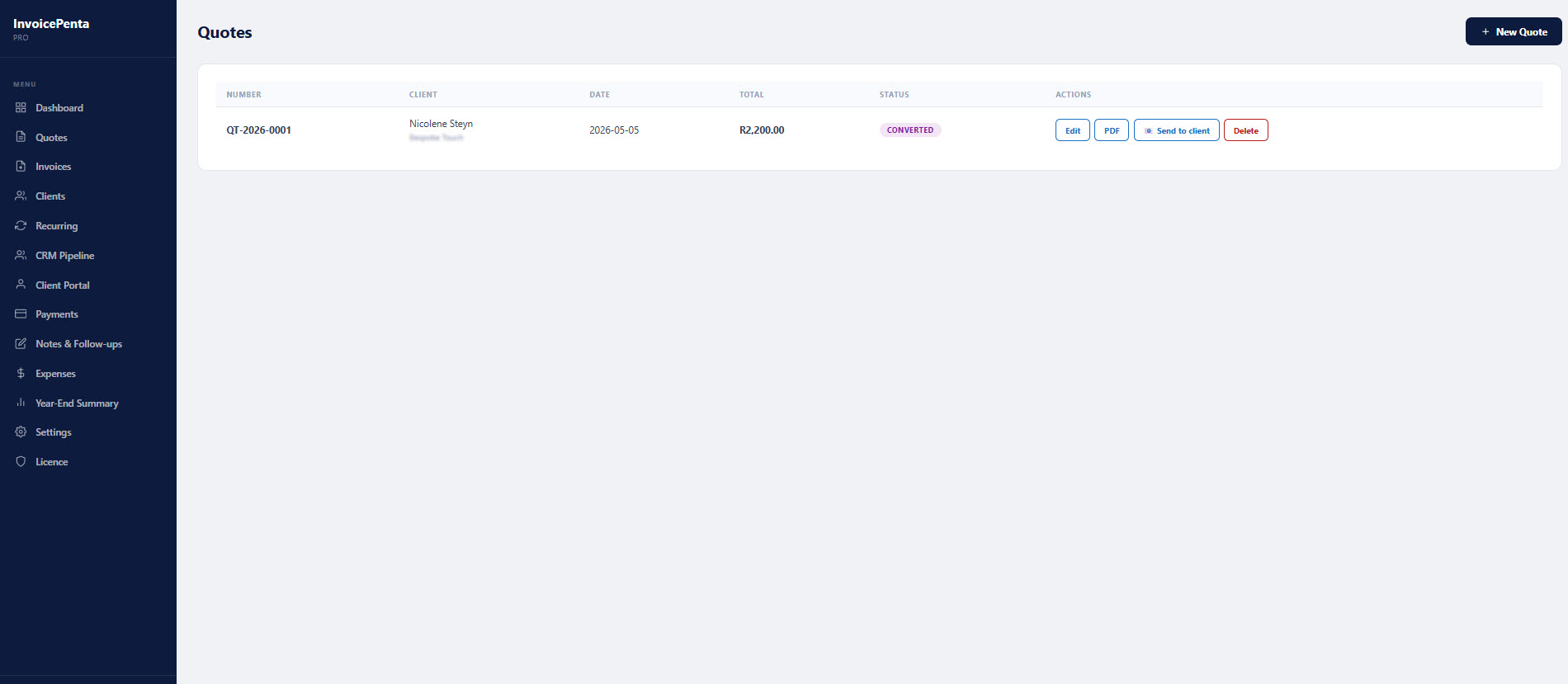
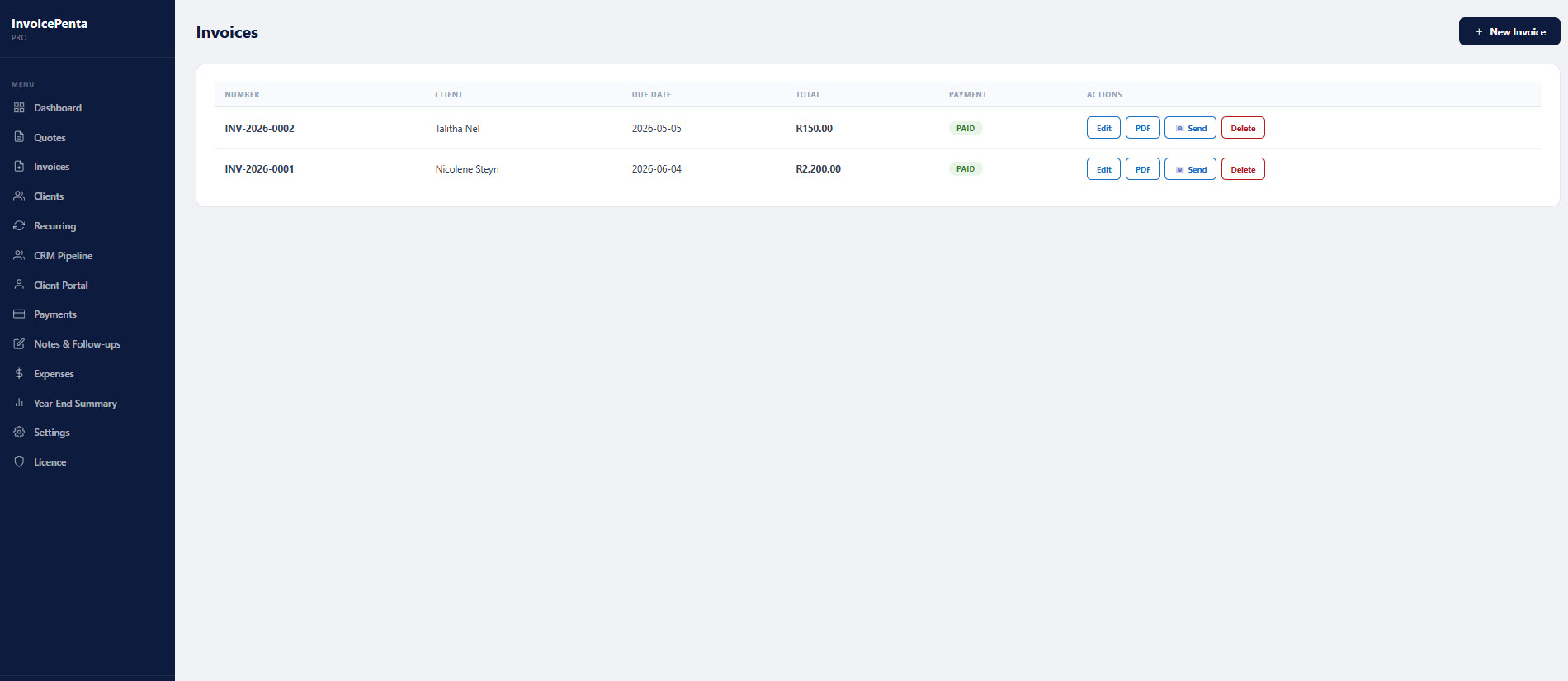
Create professional invoices and quotes with line items, tax, discounts and your logo. Download as PDF in one click.
Client Management
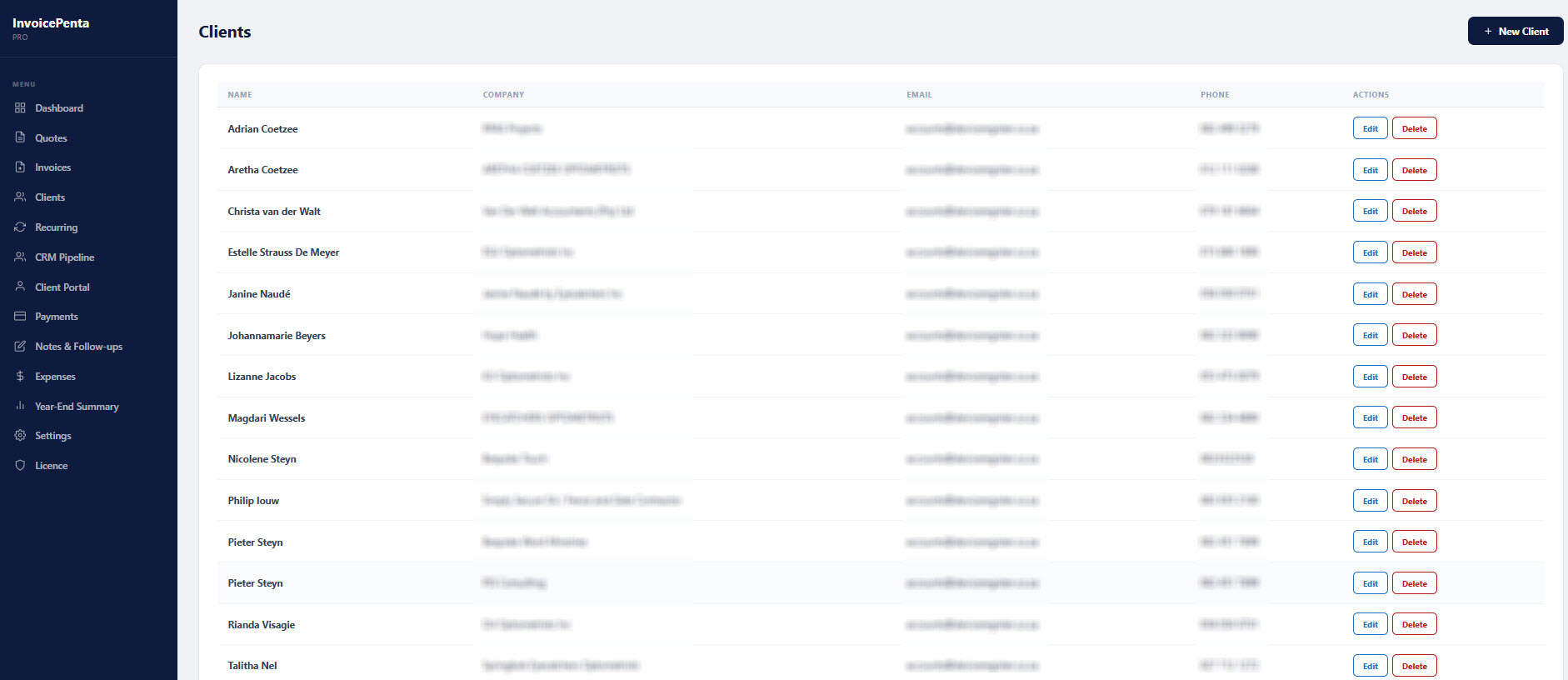
Unlimited clients with full contact details, company name, VAT number and a complete history of every document.
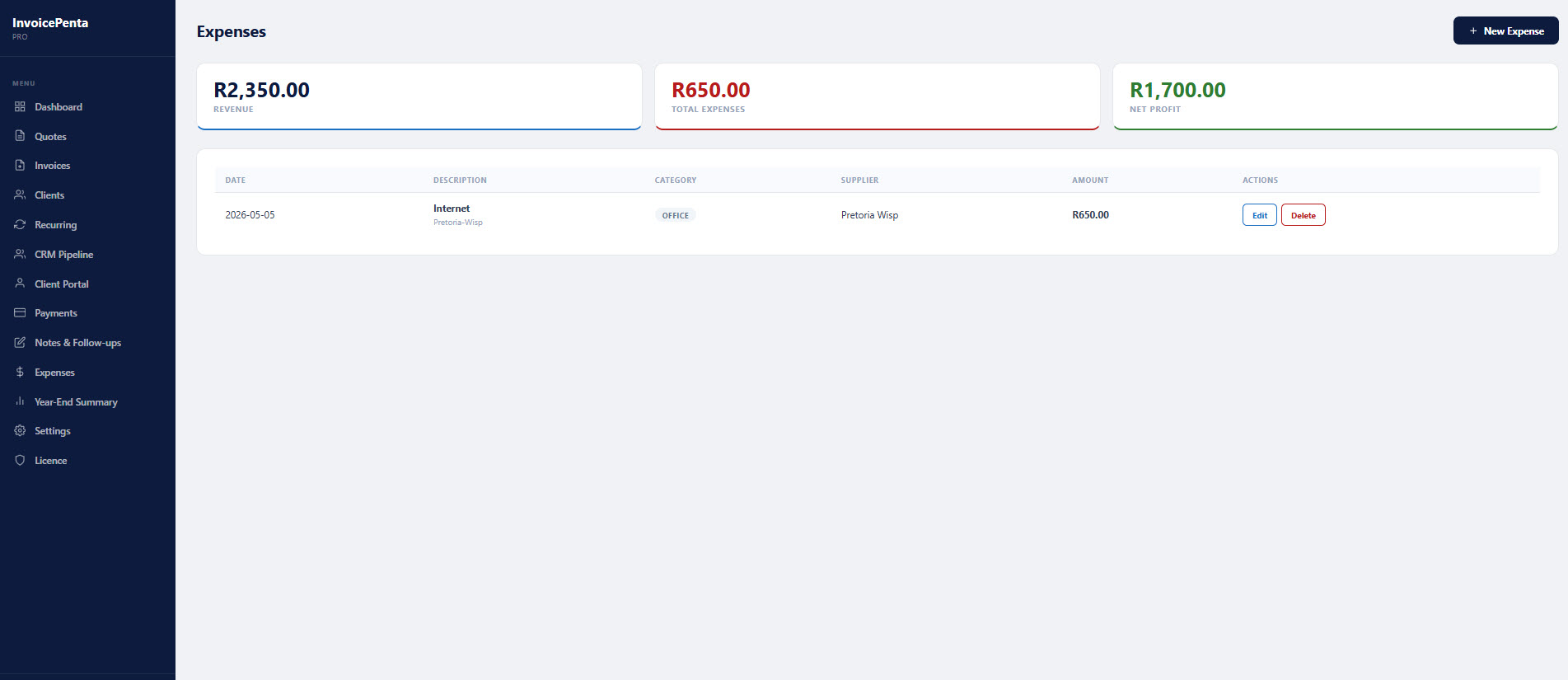
Expense Tracking
Log business expenses with categories, suppliers and amounts. Keep your financials organised in one place.
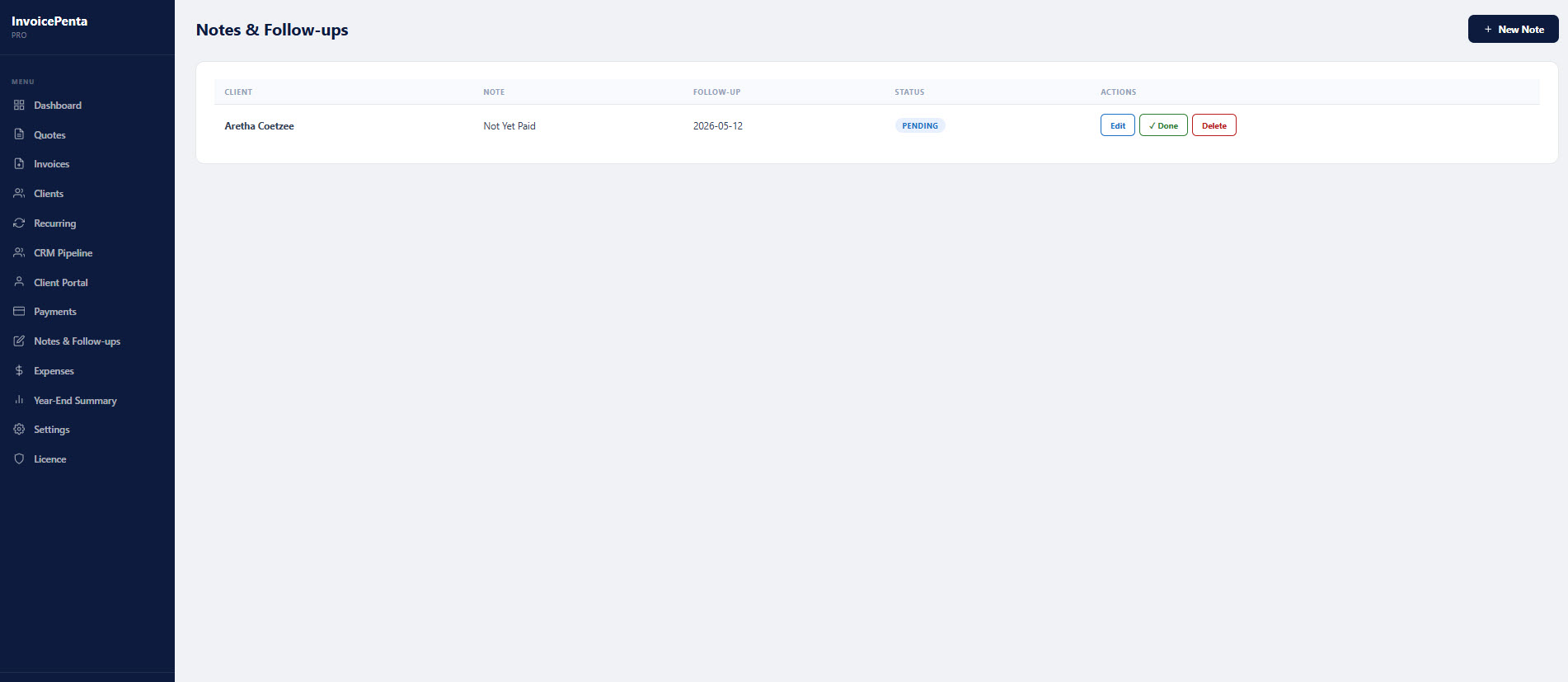
Notes & Follow-ups
Add notes per client with follow-up date reminders so nothing falls through the cracks.
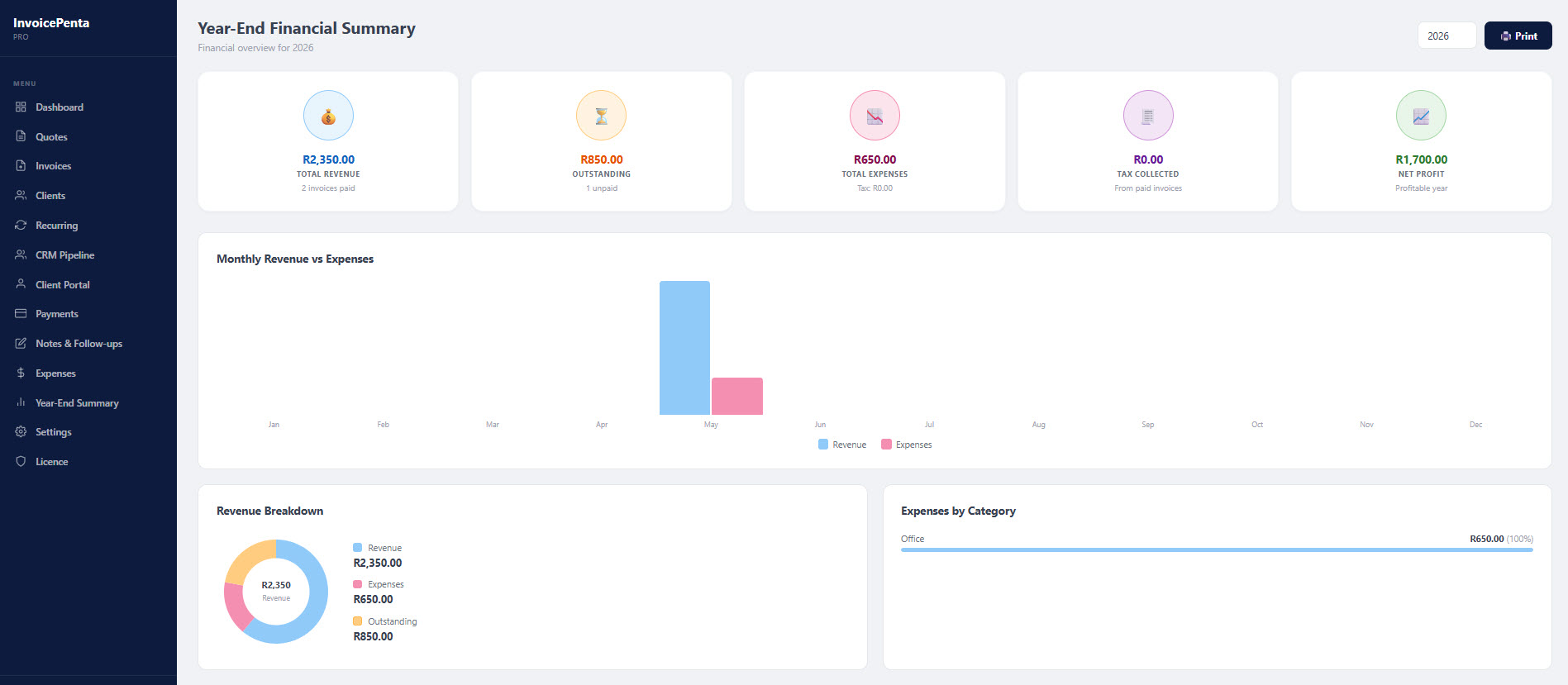
Financial Dashboard
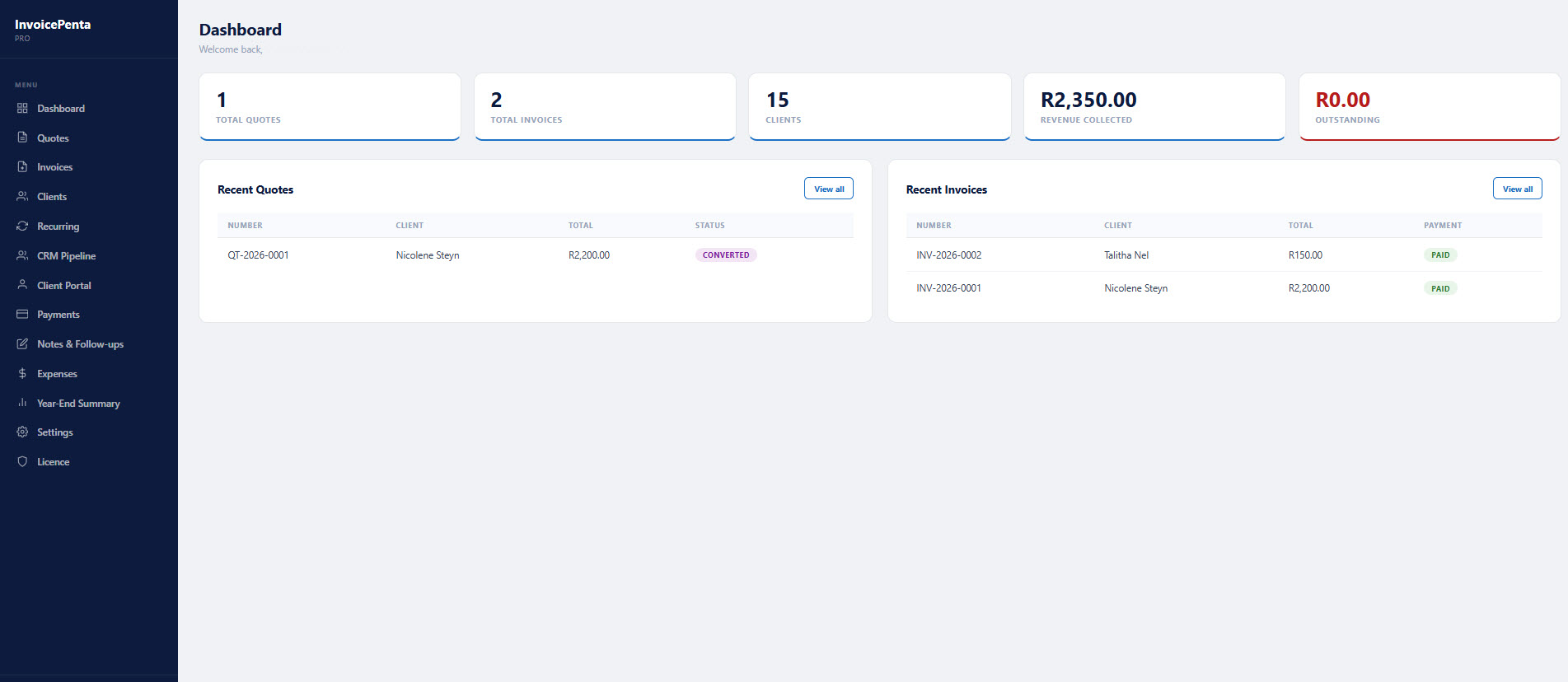
Overview of revenue, outstanding invoices and recent activity at a glance every time you log in.
Quote Acceptance
Clients can accept or request changes on quotes via a secure link — no login required on their side.
Why keep your invoicing inside WordPress?
No monthly SaaS fees. No third-party access to your client data. No learning a new platform. Your invoices, quotes and client records stay on your own server, managed from the same dashboard you already use every day.
Compare versions
The free version covers invoicing and client management. Pro adds email sending and reports. Business adds full automation, CRM and a client portal.
| Feature | Free | Pro | Business |
|---|---|---|---|
| Unlimited clients | ✓ | ✓ | ✓ |
| Unlimited invoices & quotes | ✓ | ✓ | ✓ |
| PDF download | ✓ | ✓ | ✓ |
| Expense tracking | ✓ | ✓ | ✓ |
| Notes & follow-ups | ✓ | ✓ | ✓ |
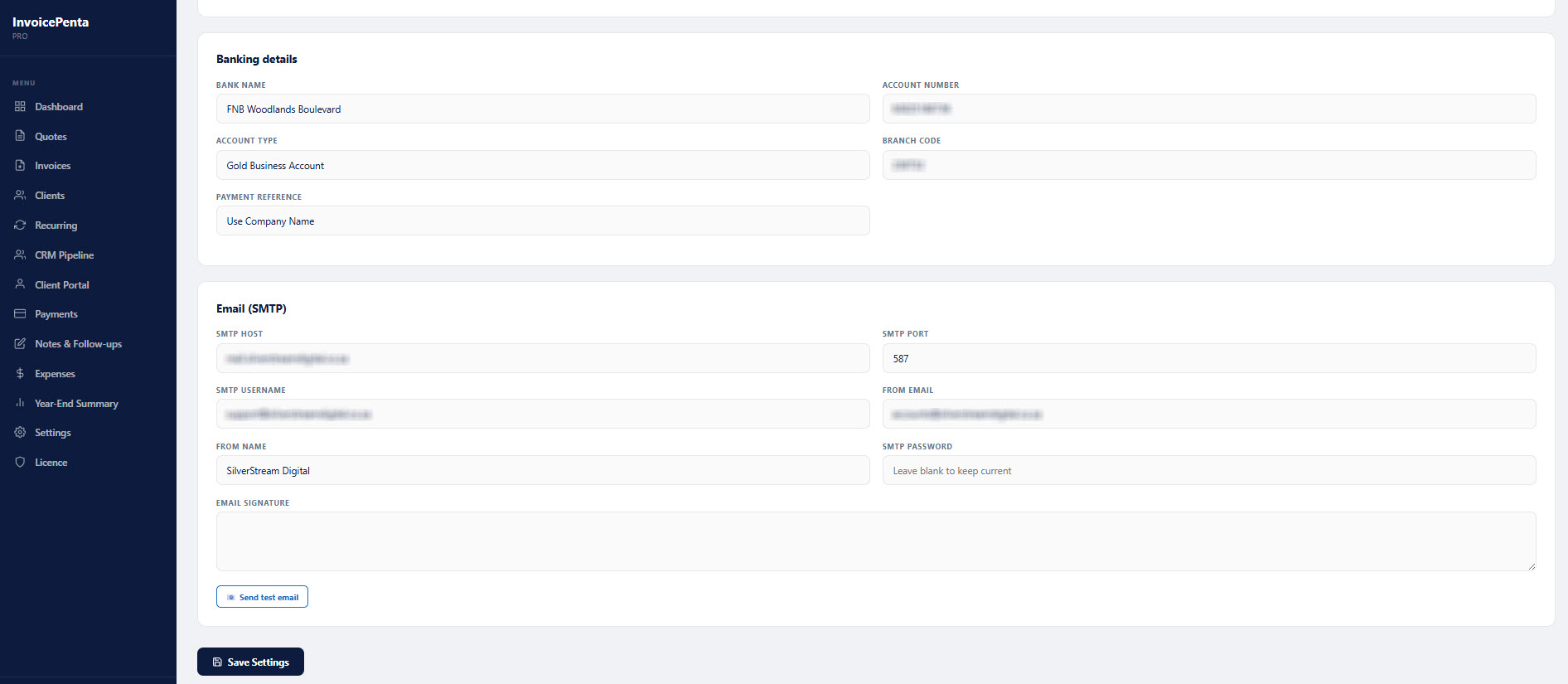
| Send invoices & quotes by email | — | ✓ | ✓ |
| SMTP configuration | — | ✓ | ✓ |
| Year-End financial summary | — | ✓ | ✓ |
| Custom branding & colours | — | ✓ | ✓ |
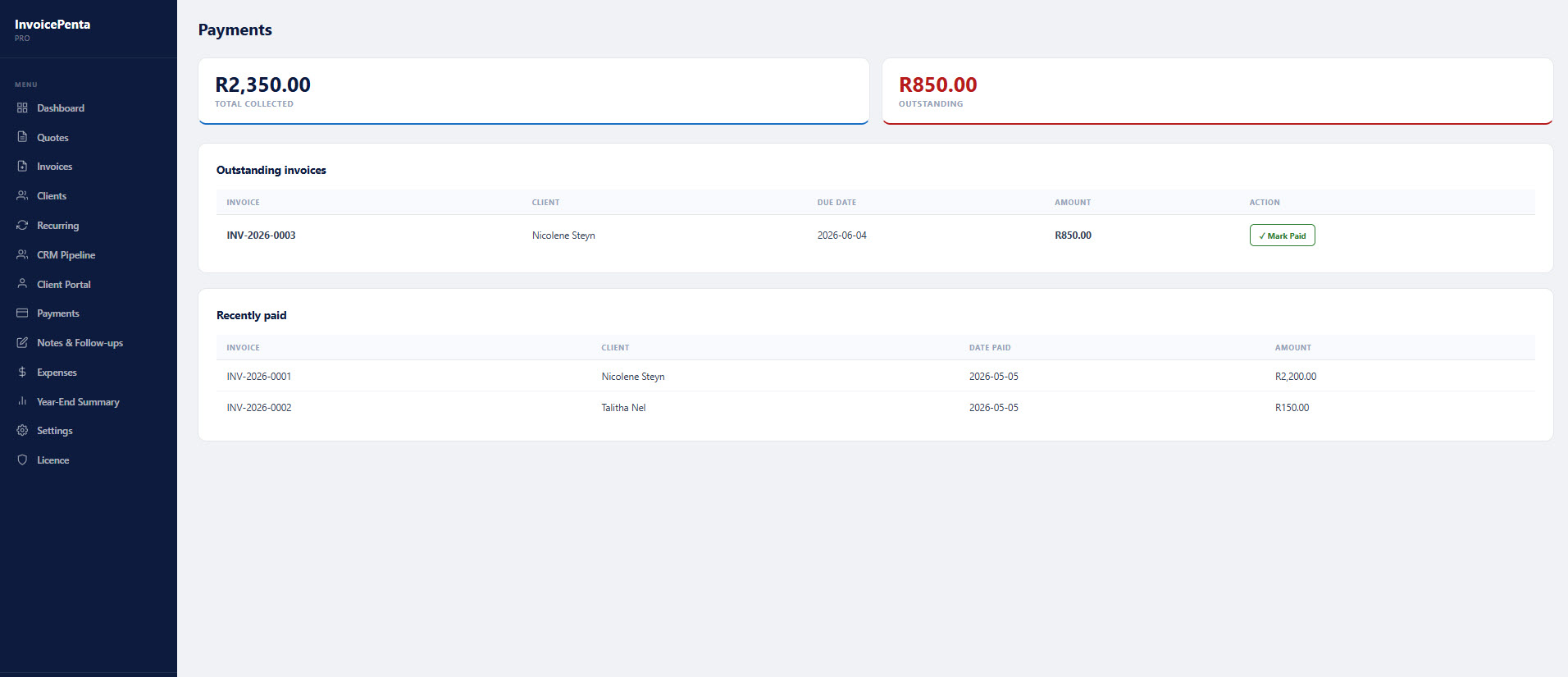
| Payments tracking | — | — | ✓ |
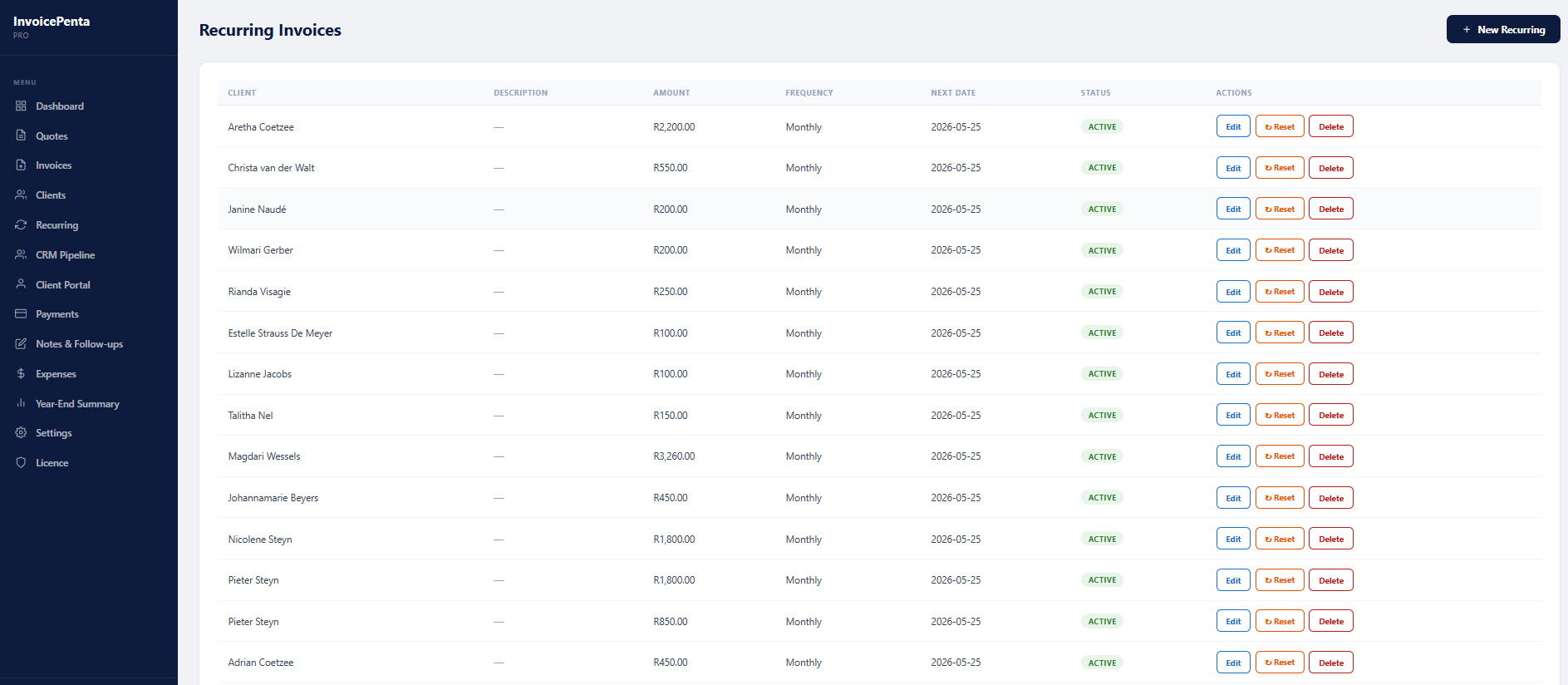
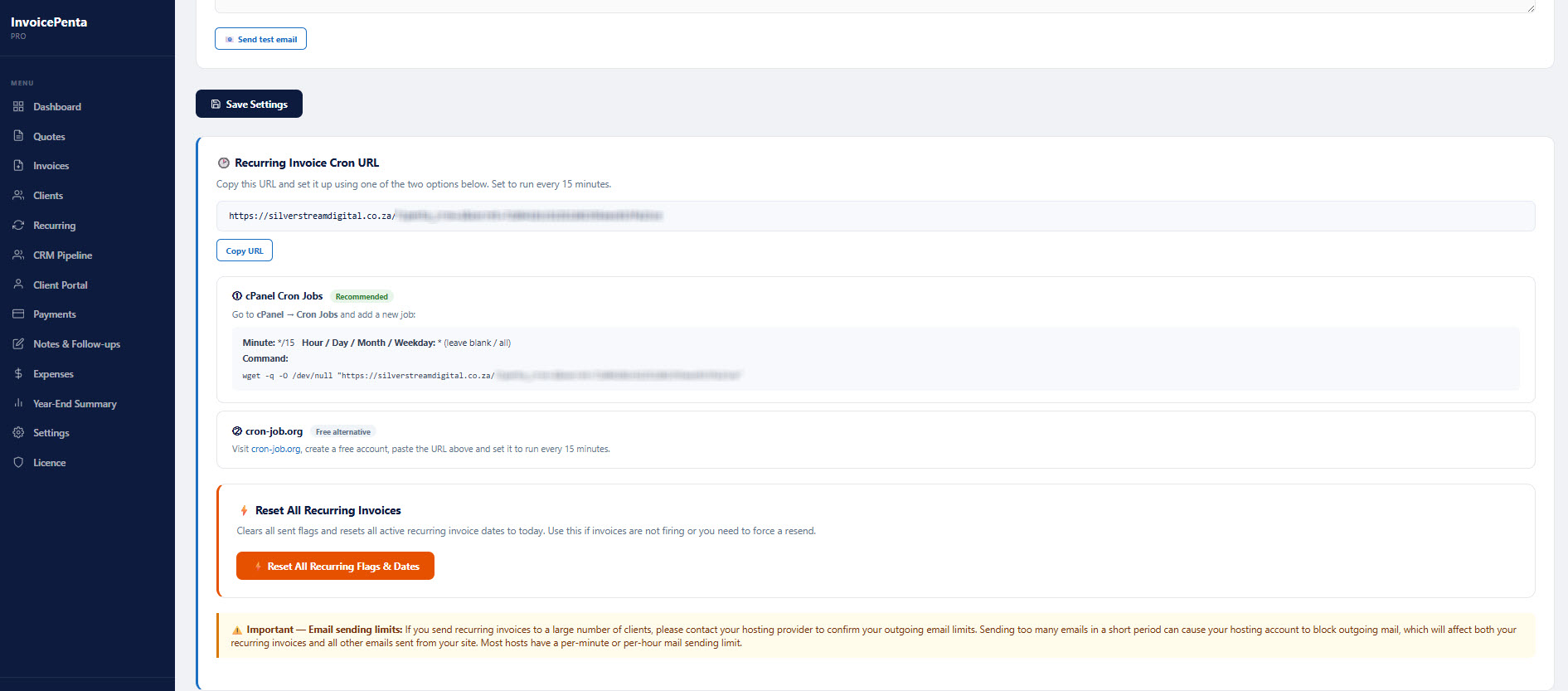
| Recurring invoices (automated) | — | — | ✓ |
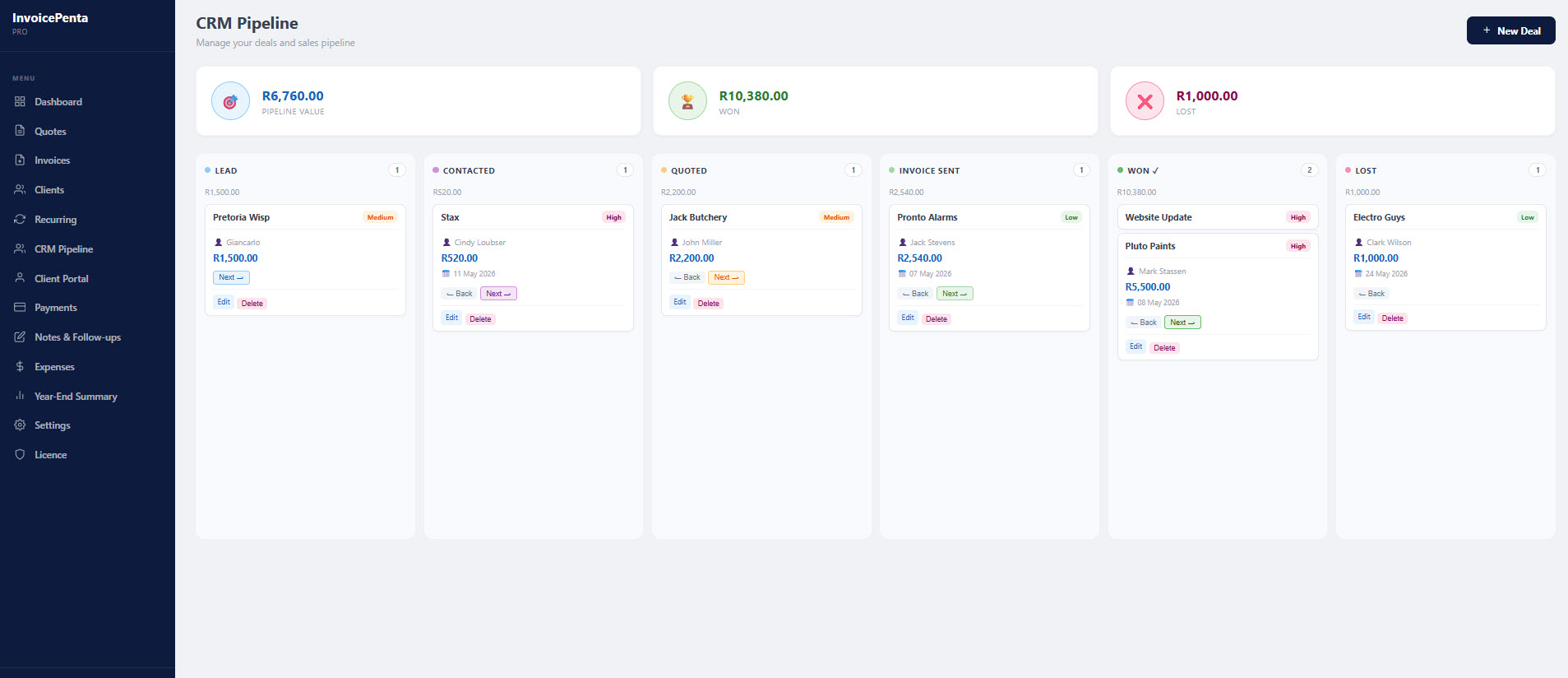
| CRM Pipeline (Kanban board) | — | — | ✓ |
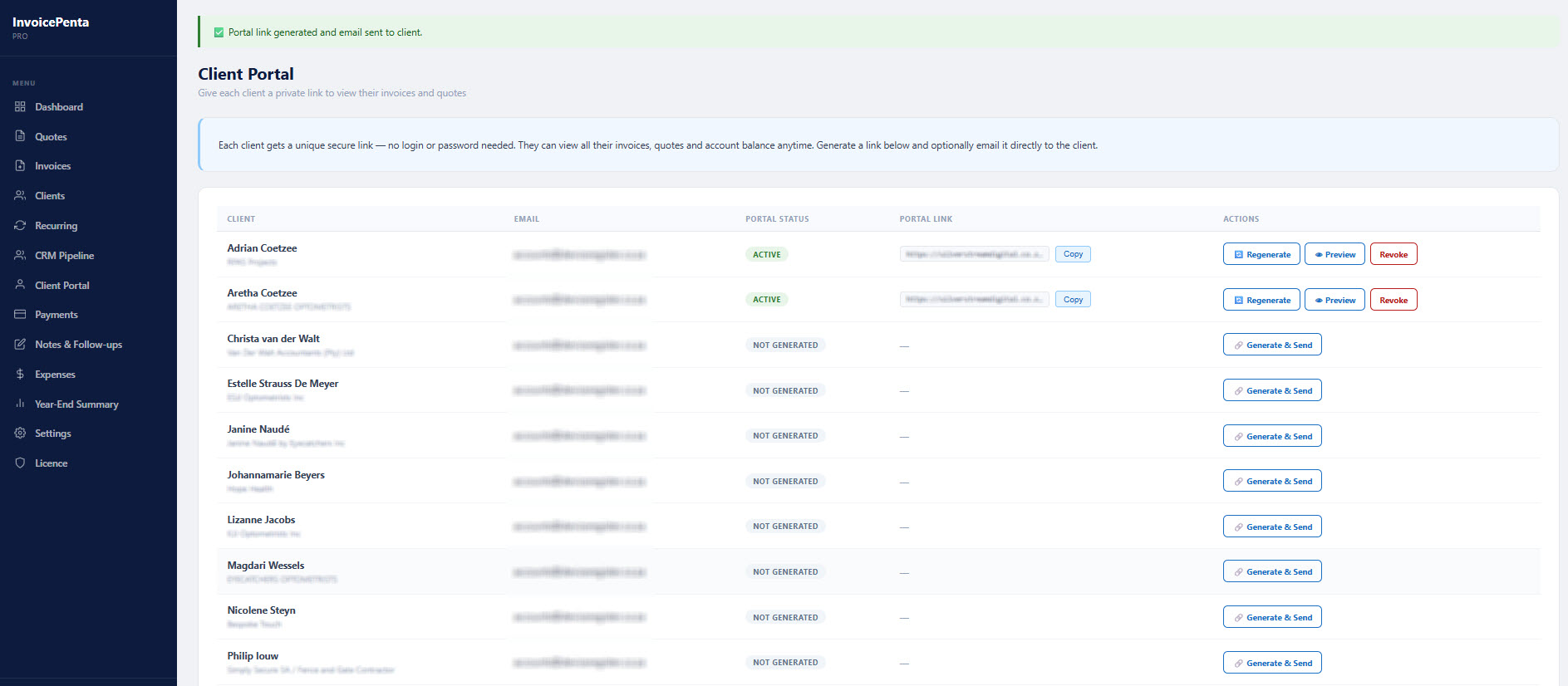
| Client Portal (secure links) | — | — | ✓ |
| Priority support | — | ✓ |
Simple, once-off pricing
No subscriptions. No monthly fees. Pay once, own it forever.
- Unlimited clients
- Unlimited invoices & quotes
- PDF download
- Expenses & Notes
- 100% self-hosted
- Everything in Free
- Send invoices by email
- SMTP configuration
- Year-End Summary
- Custom branding
- Email support
- Everything in Pro
- Recurring invoices
- Payments tracking
- CRM Pipeline
- Client Portal
- Priority support
Common questions
Start invoicing professionally today
Install free from WordPress.org or upgrade to Pro or Business for the full suite.